
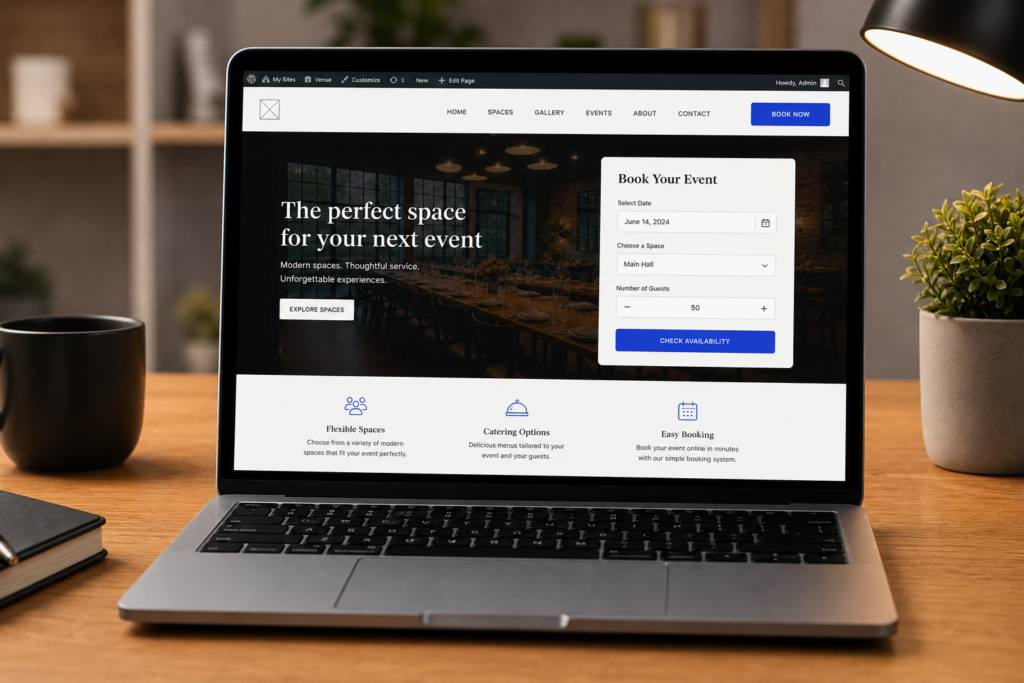
If you run a venue, studio, meeting space, or private event room, your website should do more than collect a vague contact form. It should help visitors pick a date, explain what they need, and give you enough information to reply quickly. A proper online booking form can remove hours of back-and-forth email from your week.
Start with the booking model
There are two common ways to handle bookings on WordPress: instant booking and request-a-quote. Instant booking works well when your prices and availability are fixed. A visitor picks a room, chooses a time, pays a deposit, and receives confirmation. Request-a-quote works better when every booking needs context: guest count, extras, layout, catering, timing, or custom pricing.
Many venues need both. A simple meeting room might be booked instantly. A wedding, workshop, or private event might need a proposal first. The right WordPress booking setup should let you choose the workflow that fits the situation.
Use real availability, not just a date field
A date picker alone does not prevent double bookings. For venues, the booking form needs to understand which spaces exist, how many can be booked at once, what times are open, and which requests are already confirmed. Stock-aware availability is especially important for multi-room venues where different rooms can be booked independently.
Collect the details you need to reply
Good booking forms reduce follow-up questions. Ask for the date, time, party size, room, extras, contact details, and any event notes. Keep the form guided rather than throwing every field at the visitor at once. The goal is to get enough information without making the request feel like paperwork.
Plan the admin workflow before choosing a plugin
The visitor-facing form is only half the job. The admin workflow matters just as much. Where do new requests land? Can you see unread enquiries? Can you move a booking from request to proposal to confirmed? Can you find a guest later and see their full history?
If those pieces are missing, you will still need spreadsheets or a separate CRM. That is where booking systems often become messy.
Take deposits when the booking is ready
A deposit changes a booking from interest into commitment. If your workflow supports instant booking, the visitor can pay immediately. If your workflow starts with a quote, you can send a proposal first and ask for a deposit after the guest accepts.
Do not forget follow-ups
Many leads do not book on the same day they enquire. If your WordPress booking workflow does not remind you to follow up, good leads can disappear. A CRM and follow-up system helps you contact people who asked about availability but never confirmed or paid.
The practical setup
With ReservIQ Booking, you add the booking form to any WordPress page with [reserviq_booking]. The Lite version covers quote requests, room setup, planning, and email notifications. Pro adds Mollie deposits, AI proposal drafting, e-proposals, online signing, CRM, calendar views, automated follow-ups, themes, and more guest languages.
That means you can start with a practical free workflow, then upgrade when payments, proposals, and automation become useful.